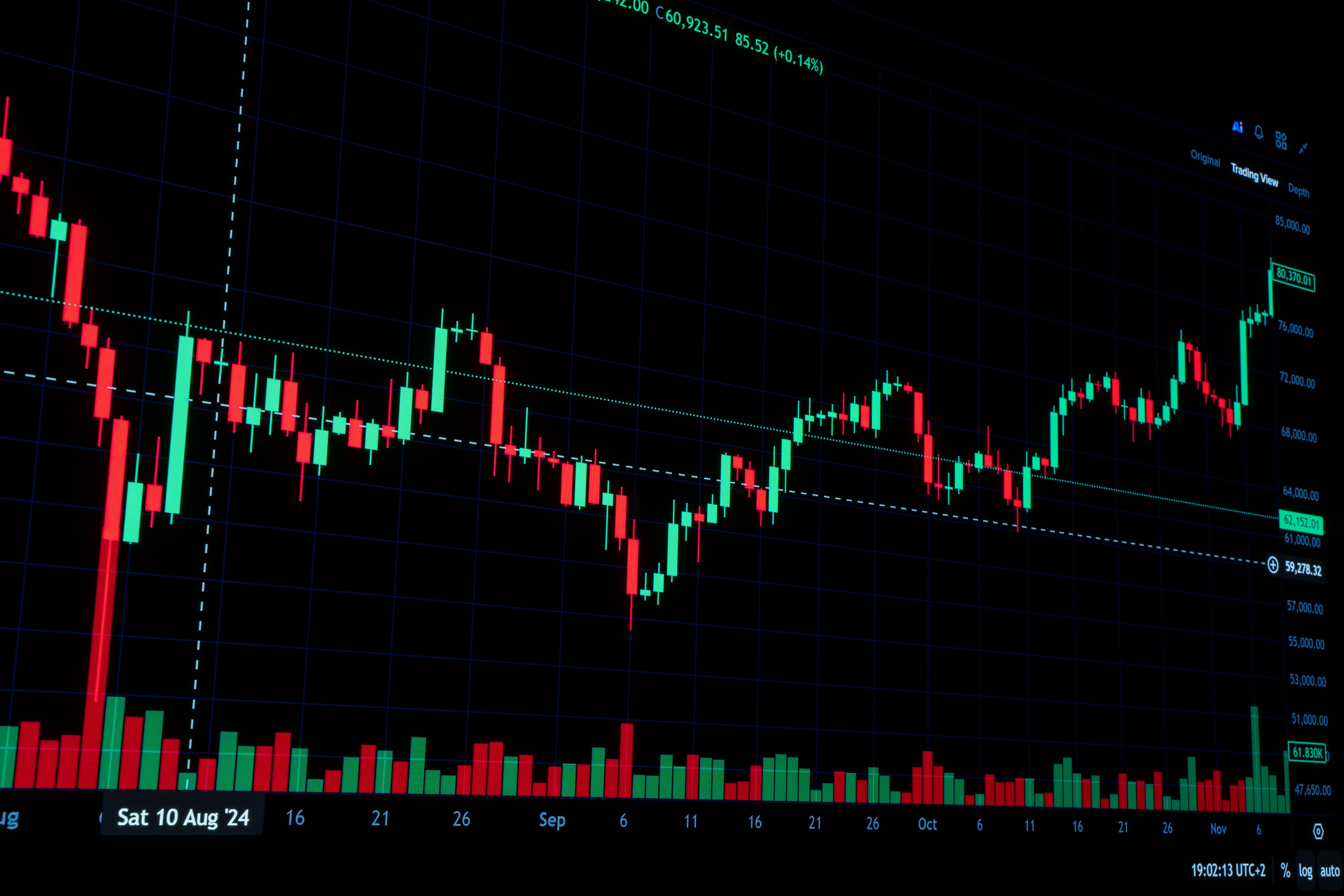
Futures prop firms connect to trading platforms through specific data feeds (Rithmic, Tradovate, or CQG), and your platform choice depends on which connection you select at checkout. Apex, Tradeify, Take Profit Trader, MyFundedFutures, and TradeDay each group different software (NinjaTrader, TradingView, Quantower, and more) under separate connections, so confirm your preferred tool works with the specific account you’re buying.
What Is a Futures Prop Trading Firm?
A futures prop trading firm is a company that assesses traders under defined performance and risk rules before offering access to a funded-stage account. These accounts commonly remain simulated, but eligible trading profits may generate real payouts.
Traders typically pay for an evaluation and work toward a profit target while staying within the firm’s trading limits. The available futures contracts can cover markets such as stock indexes, gold, and crude oil. Passing may qualify you for a funded account with its own trading and withdrawal conditions.
The prop firm and trading platform serve different roles. The firm sets the account rules; the platform provides the charts, order-entry controls, and account interface. A platform’s features do not change the firm’s loss limits or payout requirements.
Two terms help explain how the setup works:
- Trading platform: The software used to analyze markets and place orders, such as NinjaTrader, TradingView, or Quantower.
- Data and trading connection: The service that delivers market information and connects the software to the trading account, such as Rithmic or CQG.
One connection may support several platforms. However, permission to change the software you use does not necessarily allow you to move the account to another connection provider.
Top 5 Futures Prop Firms for Platform Choice
These five firms offer different combinations of desktop software, browser access, mobile trading, and specialist analysis tools. The comparison focuses on compatibility and practical flexibility, not on expected trading performance or payout reliability.
| Prop firm | Compatible Platforms | Main distinction |
| Apex Trader Funding | NinjaTrader, TradingView, Quantower, Sierra Chart, WealthCharts | Broad selection across separate connection types |
| Tradeify | Tradovate, TradingView, NinjaTrader, Tradesea, Quantower, WealthCharts | Defined platform groups selected at checkout |
| Take Profit Trader | TradingView, Tradovate, NinjaTrader, Quantower, Bookmap, ATAS | Switching between interfaces compatible with the selected feed |
| MyFundedFutures | Tradovate, TradingView, NinjaTrader, Quantower, Volumetrica, DeepChart | Familiar chart trading alongside order-flow tools |
| TradeDay | NinjaTrader, Tradovate, TradingView, Jigsaw, Quantower, Sierra Chart | Desktop and mobile access with specialist options |
The table lists representative tools, not platforms available through every connection. The account selected at purchase determines which options you can actually use.
1. Apex Trader Funding — Broad Platform Choice Across Separate Connections
Apex offers Rithmic, Tradovate, and WealthCharts account connections. Its Rithmic route supports specialist platforms including Quantower, Sierra Chart, Bookmap, ATAS, and Jigsaw. These options are relevant to traders who want detailed market analysis or a particular desktop order-entry interface.
The Tradovate route provides access to Tradovate’s interface and compatible connections to NinjaTrader and TradingView. WealthCharts is a separate choice with integrated charting, scanning, and trading tools. This gives traders several ways to build a setup around their preferred software.
For example, a trader who relies on Sierra Chart would investigate the Rithmic option, while someone who places orders through TradingView would examine the Tradovate route. These are alternative setups, not a package that automatically includes every listed platform.
Apex does not convert existing accounts between Rithmic, Tradovate, and WealthCharts. Changing the connection requires a new account plan, so you should confirm compatibility before purchasing. Included platform access also should not be confused with free access to every third-party license or premium feature.
2. Tradeify — Platform Selection Through Three Connection Options
Tradeify lets you select Tradovate, Rithmic, or WealthCharts at checkout. Each choice provides a different set of compatible interfaces:
- Tradovate: Tradovate, NinjaTrader, and TradingView.
- Rithmic: TradeSea, Quantower, Sierra Chart, and R|Trader.
- WealthCharts: WealthCharts only.
You can move between supported platforms within the selected connection. For example, Rithmic credentials can be used with Quantower or Sierra Chart, but moving the account from Rithmic to Tradovate requires a new purchase. Tradeify specifically supports NinjaTrader and TradingView through Tradovate, not Rithmic. Tradesea is a separate interface available through Rithmic.
Tradeify charges the same account price across these three routes, but that does not make every external tool or data upgrade free. Sierra Chart requires a paid subscription, and the firm’s current guidance makes additional market-depth data available through Tradovate only.
3. Take Profit Trader — Flexible Interfaces Within the Selected Data Feed
Take Profit Trader groups its platforms around CQG and Rithmic feeds. Its published platform guide lists TradingView, Tradovate, and NinjaTrader under CQG. Rithmic options include Quantower, Bookmap, ATAS, MultiCharts, and Jigsaw.
You choose your platform during signup, but TPT allows you to switch between interfaces compatible with the selected feed during the subscription. You follow the connection instructions for the new platform without needing to notify the firm.
For example, someone using a Rithmic account could consider another supported Rithmic interface as their charting or order-entry needs develop. It does not establish permission to transfer the account freely between data providers. Licensing is a separate consideration. TPT identifies some platforms as free during the Test, while others require the trader’s own license.
4. MyFundedFutures — Chart Trading and Order-Flow Platform Options
MyFundedFutures supports familiar interfaces such as Tradovate, TradingView, and NinjaTrader alongside Quantower, Volumetrica, DeepChart/DeepDOM, and ATAS. This gives traders options ranging from standard chart-based execution to more detailed market analysis.
Its documented Tradovate setup supports access through Tradovate, TradingView, and NinjaTrader. Traders must complete the relevant market-data agreement when first logging in so that the account has the required data access. The other listed tools broaden the choice for order-flow analysis: examining executed trades and available orders to understand market activity. A trader who needs volume analysis or market-depth displays can compare those tools against the features available through the selected account.
You must confirm the required connection, data coverage, license, and feature access. Included integration does not necessarily cover premium software subscriptions or additional market data.
5. TradeDay — Desktop Execution With Web and Mobile Access
TradeDay documents an integrated NinjaTrader and Tradovate setup through CQG. Activity in NinjaTrader appears in Tradovate, allowing traders to use a desktop interface and access the connected account through Tradovate’s mobile app.
Its wider selection includes TradingView and Jigsaw through the Tradovate setup, plus Rithmic options such as Quantower, Sierra Chart, Bookmap, and ATAS. These tools can support traders who need a particular chart layout or order-entry method.
For example, a DOM, or depth-of-market ladder, displays buying and selling interest at different price levels and can provide order-entry controls. A trader who works from that display may value Jigsaw or another specialist interface more than a broad collection of chart indicators.
Access still depends on licensing and connection requirements. TradeDay states that TradingView and Jigsaw integrations require the trader’s own licenses. It also notes that using Jigsaw and Tradovate simultaneously on a funded account requires two separate data feeds. Support for both platforms therefore does not automatically mean unrestricted simultaneous access under one data subscription.
How Do You Choose a Futures Prop Firm for Your Preferred Platform?
Choose a futures prop firm whose account connection supports your preferred software, device, and required market data. Then compare licensing costs, switching restrictions, and whether the same setup remains available after the evaluation.
Before purchasing, work through these checks:
- Identify essential tools. Decide whether you need basic chart trading, a DOM ladder, or detailed order-flow analysis.
- Confirm the connection. Check that the exact platform works with the account selected at checkout.
- Check device compatibility. Separate Windows desktop requirements from browser and mobile access.
- Calculate additional costs. Include licenses, premium features, and market-depth data.
- Confirm switching and simultaneous access. Ask whether you can change interfaces, change providers, or run multiple platforms together.
- Review funded-stage access. Verify that the required setup remains supported after passing.
A long platform list is useful only when the tools you need work under the account’s actual conditions. Choose the firm that supports your established trading process without requiring unnecessary software, duplicate subscriptions, or an account replacement to access an essential feature.
Risk Disclosure: Futures prop programs involve fees and commonly use simulated accounts. Platform support does not guarantee payouts or trading success. Confirm current compatibility, licensing, data access, and account rules before purchasing



Leave a Reply