Travellers from Western New York can keep their bookings and personal data private by using a separate travel email, avoiding public Wi-Fi for payments, sharing less on social media during trips, choosing booking and payment options that collect less information, protecting their passport and documents, and cleaning up accounts when they return home. These simple habits reduce the risk of scams and identity theft.
Whether you are flying out of Buffalo Niagara International, driving across the Peace Bridge to Canada or heading south for winter, travel means sharing personal details with airlines, hotels, rental companies and booking apps. Here are six easy ways to keep that information safer.
1. Use a separate email for travel
Create an email address just for bookings, loyalty programmes and travel newsletters. It keeps marketing messages out of your main inbox, makes phishing emails easier to spot and limits the damage if a travel company has a data breach. Turn on two-factor authentication for this account, as it will hold your confirmations and itineraries.
2. Be careful with public Wi-Fi
Airport, hotel and café Wi-Fi is convenient but not always secure. Avoid logging in to banking or making payments on public networks. Use your phone’s mobile data or a personal hotspot instead, and make sure websites show a secure connection before entering any details.
Turn off automatic Wi-Fi joining on your devices so they do not connect to unknown networks without you noticing.
3. Share your trip after you get home
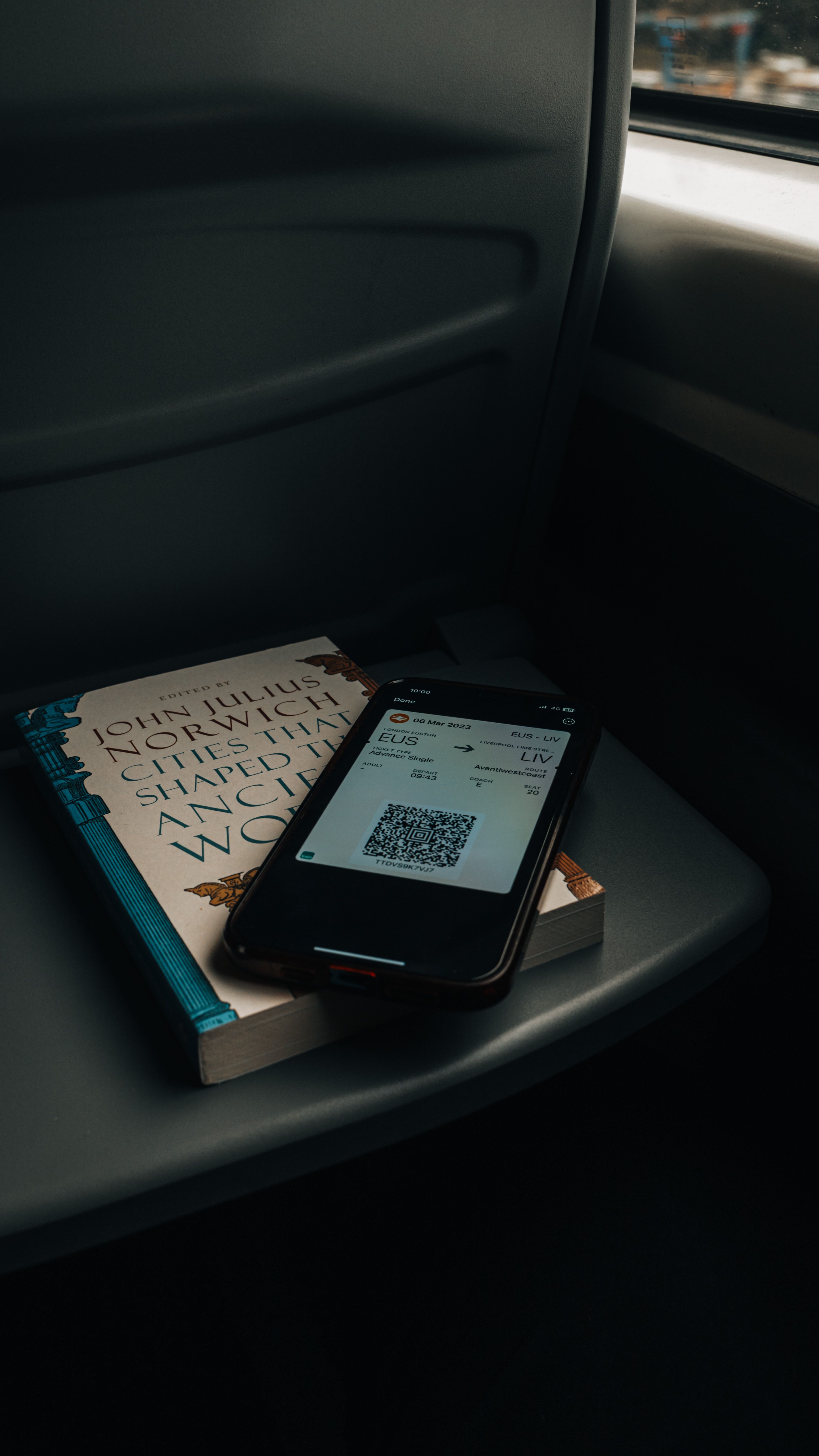
Posting live photos of your trip tells strangers your home is empty. It can also reveal hotel names, flight numbers and boarding pass details. Never post a photo of a boarding pass, as the barcode can contain your booking reference and personal information. Save your best photos and share them when you are back.
4. Choose booking and payment options that share less
Many booking sites ask for more information than they need. Use guest checkout where possible, skip optional fields and decline extra marketing sign-ups. Check privacy settings in travel apps and turn off location tracking when you are not using it.
Payment choices matter too. Credit cards offer strong fraud protection, and virtual card numbers from your bank add another layer. Some travellers also look for hotels, tours and travel services that accept privacy-focused digital payments, which let them book without sharing card or billing details. Monero Friendly’s travel and stays listings are one place to see which travel services offer that kind of option.
5. Protect your passport and documents
Your passport is one of the most valuable documents you carry. A few habits help keep it safe:
- Keep a photo of your passport in a secure, encrypted app or folder, not in your camera roll.
- Use the hotel safe for your passport when you do not need it.
- Only hand over your passport when it is genuinely required, such as at check-in or border control.
- Carry an RFID-blocking wallet if it gives you peace of mind.
If you travel to Canada often, consider whether a NEXUS card or enhanced driver’s licence suits you, and store those documents just as carefully.
6. Clean up after your trip
When you get home, take ten minutes to tidy up:
- Delete saved payment details from booking sites you will not use again.
- Remove travel apps you no longer need.
- Check your bank and card statements for unfamiliar charges.
- Forget public Wi-Fi networks saved on your phone and laptop.
- Shred printed boarding passes and itineraries.
Watch out for travel scams
Scammers often target travellers with fake booking confirmations, too-good-to-be-true rental listings and messages claiming there is a problem with your reservation. Always contact the airline or hotel directly using details from their official website, not from a link in an unexpected email or text. Be especially careful with deals for popular events and holiday periods.
A quick pre-trip privacy checklist
- Travel email set up with two-factor authentication.
- Phone and laptop updated before you leave.
- Automatic Wi-Fi joining turned off.
- Bank notified of travel dates if required.
- Passport copy stored securely.
- Social posts saved for when you are home.
Frequently asked questions
Is hotel Wi-Fi safe?
It is fine for browsing, but avoid banking and payments on it. Mobile data is safer for anything sensitive.
Should I share my travel plans online?
Share them with family and friends privately, and post publicly after you return.
What should I do if my card is used without permission while travelling?
Contact your bank immediately using the number on the back of your card and ask them to block it.
Do I need to bring my passport to Canada?
You need a passport, passport card, NEXUS card or enhanced driver’s licence to cross the border by land. Check the latest rules before you travel.
Final thoughts
A trip should be about the experience, not worrying about your data. With a separate email, careful Wi-Fi use, fewer public posts, smarter booking and payment choices, well-protected documents and a quick clean-up afterwards, you can travel with more peace of mind wherever you are heading from Western New York.

Leave a Reply