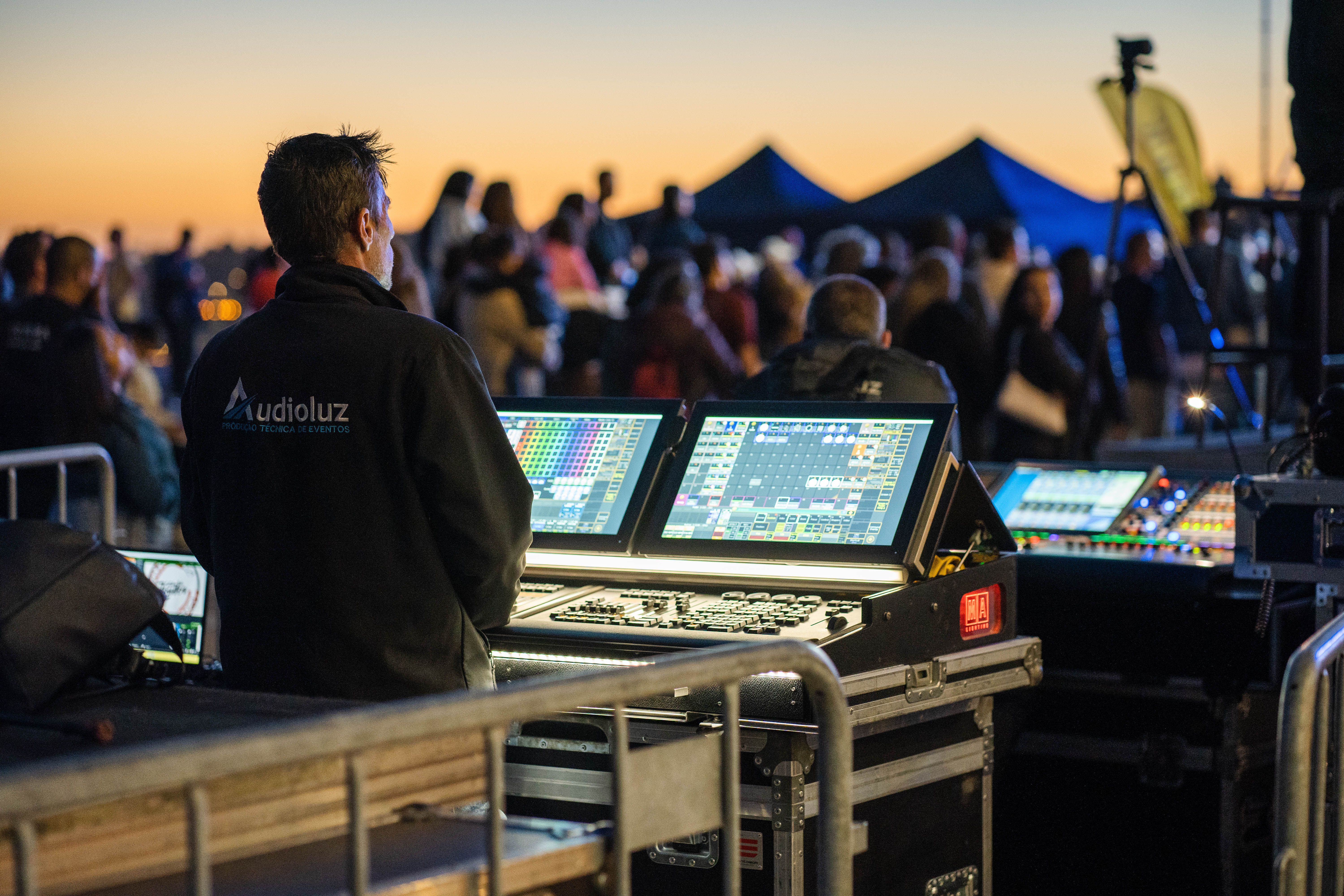
Meta Description: Discover the costly technical, creative, and safety consequences when audio and lighting teams fail to coordinate live events.
Picture the opening night of a major corporate keynote or concert. The house lights drop dramatically, a sweeping strobe sequence hits the stage, and the speakers blast a sub-bass drop—two full seconds late. Or worse, a subtle acoustic ballad is interrupted by a buzzing dimmer pack bleeding straight through the lead vocalist’s microphone.
In live event production, audiences rarely separate what they see from what they hear. They experience a show as a single sensory moment. When audio and lighting departments operate in isolated silos rather than a unified front, the cracks show immediately, turning an expensive production into a distracting, unprofessional mess.
Why Is Audio and Lighting Synchronization Critical in Live Events?
Audio and lighting synchronization ensures that visual cues, musical beats, and spoken word land simultaneously to create emotional impact and technical clarity. When both teams share a unified timeline, power plan, and communication channel, the audience stays immersed in the performance instead of noticing technical hiccups.
Without coordination, even top-tier gear cannot save a show. Modern productions rely on tightly integrated protocols—like SMPTE timecode, MIDI, and network-based control systems—meaning a miscommunication on one side of the front-of-house booth directly disrupts the other.
1. Timing Drift Breaks Emotional Momentum
Humans process visual and auditory stimuli together; when they fall out of alignment by even a fraction of a second, the brain registers something as “off.”
In a real-world concert scenario, a lighting designer programming blinders and color bumps manually without knowing the band’s click track or arrangement changes will consistently miss key transitions. During a theater production or keynote presentation, a spotlight hitting a speaker three seconds after they start talking forces the audience to squint into the dark while listening to a disembodied voice.
The solution: Establish shared show calling and cue sheets early in pre-production, and use automated timecode triggers whenever music or video playback drives the show.
2. Electrical Interference and Ground Loops Ruin Audio Quality
One of the most common—and preventable—headaches on show day is dirty power. Lighting rigs, especially older incandescent dimmers and cheap LED fixtures, generate massive electromagnetic interference (EMI) and harmonic distortion.
When lighting technicians and audio engineers don’t coordinate stage power distribution, you end up with:
- 60-cycle hum: A constant, low-frequency buzz in the PA system caused by ground loops between audio consoles and lighting dimmers.
- High-pitched dimmer whine: Audible static that rises and falls every time the lighting operator fades up a specific wash.
- Tripped breakers: Both teams plugging high-draw amplifiers and moving-head fixtures into the same shared venue circuit right before doors open.
Common mistake to avoid: Running DMX lighting cables and analog XLR audio snakes bundled neatly together in the same cable ramp. Always separate audio and lighting runs—or cross them strictly at 90-degree angles—to prevent signal bleed.
3. Physical Sightline and Rigging Collisions Delay Load-In
Before a single fader moves, sound and lighting teams compete for the exact same physical real estate: the ceiling truss and stage floor.
If the lighting designer hangs a massive upstage LED wall or low-trim truss without consulting the system engineer, it can block the dispersion pattern of the main line-array speakers. Suddenly, the back balcony can’t hear the vocals clearly because a lighting pod is physically obstructing the high-frequency horns. Similarly, poorly placed floor uplights can cast harsh shadows on speakers or blind performers trying to read confidence monitors.
4. Clashing Moods Confuse the Audience
Lighting and sound are storytelling partners. When they tell two different stories at the same time, the audience experiences sensory whiplash.
| Scenario | Audio Cue | Unsynced Lighting Cue | Audience Impact |
| Intimate Acoustic Solo | Soft fingerpicked guitar, quiet room | Rapidly cycling neon strobes | Distraction; emotional disconnect from the lyrics |
| Executive Keynote Entrance | High-energy walk-on music | Dim, cool-blue wash with no key light | Speaker looks unconfident and hard to see |
| Dramatic Theater Reveal | Sudden silence after a loud thunderclap | Bright house lights snapping on early | Ruined suspense; breaks immersion instantly |
5. Communication Breakdowns Turn Minor Glitches Into Show-Stoppers
Live shows never go 100% according to plan. A wireless microphone drops out, a presenter skips three slides, or a band extends an outro. How smoothly the crew recovers depends entirely on cross-departmental communication.
When audio and lighting teams sit on separate intercom channels without a shared stage manager or show caller, neither side knows how to adapt. The lighting operator might plunge the stage into a blackout while the audio engineer is still bringing up a mic for an unscheduled announcement.
Managing specialized technical crews requires the same disciplined coordination seen in complex tech projects—much like when companies rely on outsourcing software developers and need tight sprint alignment, shared documentation, and clear handoffs so front-end visuals and back-end systems work seamlessly together. On a live show, a five-minute pre-show briefing between the A1 (lead audio engineer) and L1 (lead lighting operator) prevents ninety percent of on-the-fly confusion.
How to Keep Sound and Lighting Teams in Sync
Integrating live event production planning across departments doesn’t require extra budget—just intentional habits:
- Merge technical riders early: Share CAD plots, power requirements, and rigging weights at least two weeks before load-in so truss space and power tie-ins are allocated fairly.
- Designate one voice on comms: Have a dedicated stage manager or show caller call standby and go cues for both lighting and audio simultaneously.
- Run a dedicated tech rehearsal: Never test combined lighting and audio cues for the first time with an audience in the room. Run through critical transitions with both teams watching and listening together.
- Sync clocks and timecode: If your show uses backing tracks, video walls, or automated cues, lock both consoles to a single master timecode generator.
Frequently Asked Questions
Who takes priority during load-in: lighting or sound?
Rigging and lighting typically go up in the air first because lighting trusses often require precise trim heights and heavy cabling, while audio line arrays can be flown alongside or immediately after. However, both departments should agree on rigging points during pre-production so neither blocks the other.
Can one person run both sound and lighting for a small event?
For simple conferences or small club gigs using pre-programmed lighting scenes, one technician can manage both. For dynamic live music, theater, or multi-speaker corporate events, splitting the roles ensures neither audio clarity nor visual timing gets neglected during fast-paced moments.
Great live production feels effortless to the audience precisely because the people behind the consoles are working from the same playbook. When sound and lighting teams operate separately, electrical interference, blocked sightlines, and missed cues quickly undermine even the best talent on stage. By aligning power distribution, rigging plans, and show-calling protocols before doors open, audio and lighting stop competing for space and start amplifying each other’s impact.



Leave a Reply