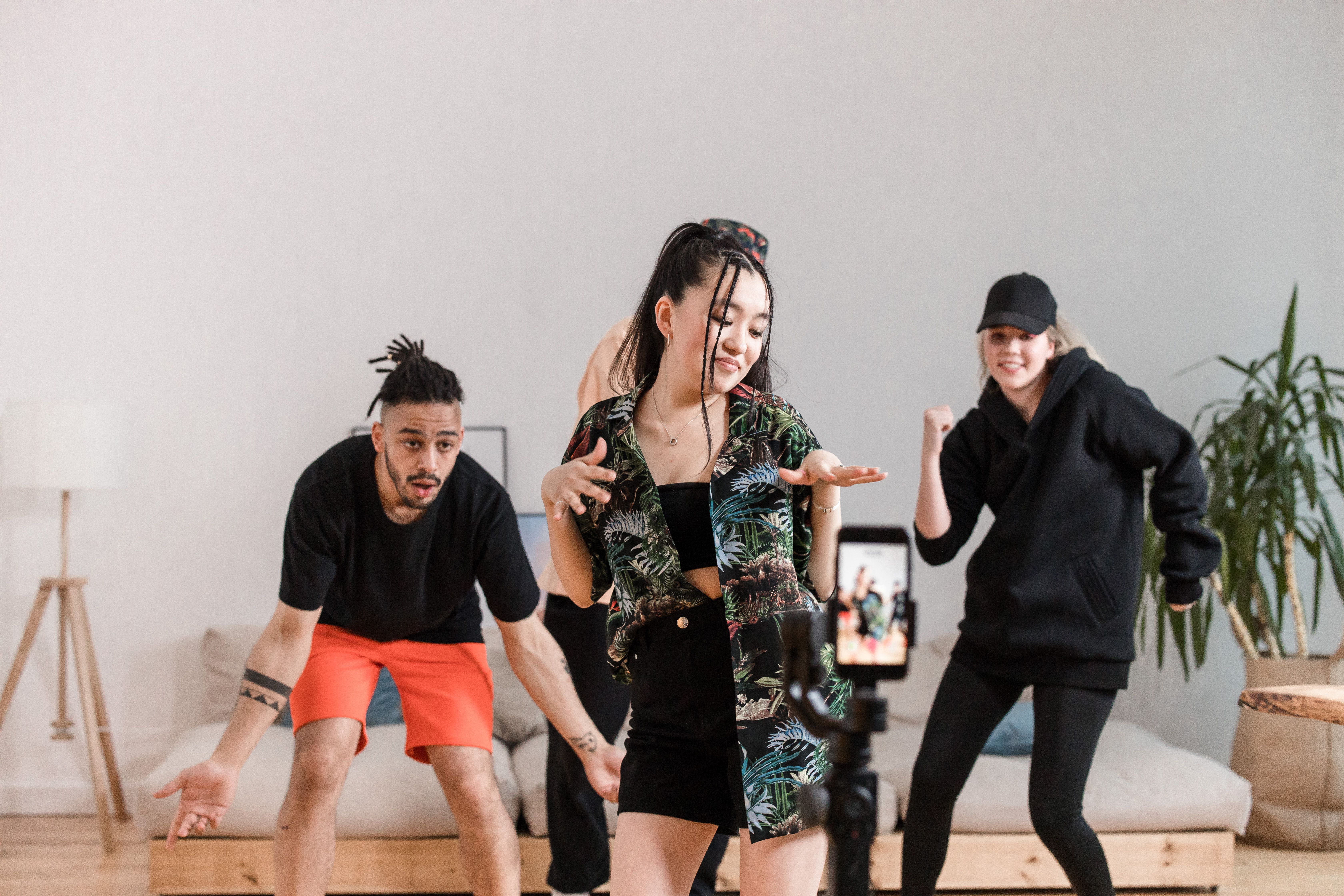
The best short videos are often built around a moment people recognize: a dance move, a sudden costume change, or a joke with a well-timed reveal. This guide looks at how social creators can use a reference clip and their own images to make a new version, while keeping the timing, character, and humor intact.
The part people remember is usually very small
Scroll through a few short videos and notice which ones make you stop. A dance may turn on one sharp move. A comedy clip may spend five seconds setting up a perfectly ordinary situation, then change everything in the last second. The memorable part is often smaller than the editing around it.
That is why copying every detail of a popular video rarely helps. The creator’s face, setting, and personality are what made the original work. A better starting point is to identify its rhythm. Where does the viewer expect something to happen? What movement sets up the payoff? Once you can answer those questions, you can try a version with your own character, outfit, or comic idea.
For a first attempt, write the concept in one sentence. “My cartoon detective does this familiar dance but loses the hat on the final turn” is clearer than “make a funny viral video.” It gives the clip a character and a payoff. The reference supplies the movement; the new detail gives people a reason to watch your version.
Pick a reference with a visible action
Some clips look simple until you try to adapt them. The camera moves, three people cross paths, hands cover faces, and the scene cuts on every beat. If the goal is to replace the performer or outfit, all that overlap can make the result harder to judge.
Choose a short clip with one main subject and a clear movement. A turn, a step into frame, or a reaction shot gives a viewer time to recognize the new person. For comedy, leave enough room for the setup before the punchline. For a dance, check whether the body stays visible throughout the move. A close-up of a face will not show a costume or footwork that carries the joke.
Use a video you made or have permission to adapt. A trend is a format people can discuss and reinterpret; another creator’s actual footage still has an owner. If you want a particular movement, filming a simple reference clip yourself can be easier than trying to license someone else’s post.
Let the images do their job
If the new subject is a person, use clear images that show the face and outfit from angles the movement will reveal. If it is an original character, include the full body and any details that make the character recognizable. The yellow boots, unusual hairstyle, or oversized coat may be the whole point of the gag. Conflicting reference images can make those features change halfway through the clip.
Think about the action before choosing pictures. A character who spins needs more than a cropped front-facing portrait. A performer who throws both arms up needs a view of the sleeves and hands. A little preparation here can save several rounds of trying to fix a problem with longer and longer prompts.
When a real person’s likeness is involved, ask for permission for the intended post. A friend agreeing to share a photo does not automatically mean they want to appear in a synthetic dance video. The same care applies when a funny concept might embarrass the person shown.
Make the first version simple
With AI genjutsu, creators can start with a short reference video or template, add images of a person, character, or outfit, and make a new clip that follows the source’s motion and timing. Keep the first instruction specific: “Use my illustrated character in place of the dancer, keep the turn and camera angle, and preserve the pause before the final pose.”
That instruction gives you something to evaluate. If the joke depends on the pause, you can see whether it survived. If the coat changes shape during the turn, you can see which images need work. Asking for a new background, a different dance, and a fresh camera move in the same draft makes the result harder to troubleshoot.
Choose the final screen shape before you generate. A vertical frame may suit the feed where you plan to post, but it can cut off an arm or a costume reveal if the reference was composed wide. Watch the whole draft on a phone, with the sound off once and with your intended audio once. A visual joke should land even for someone scrolling quietly.
Check the funny part at normal speed
Creators can spend too long inspecting a single frame and miss the real question: does the clip make sense when it plays? Show the draft to someone who has not seen the reference. If you have to explain what changed, the setup or reveal may need another pass.
Then go back to the frames around the move that matters. Does the face stay recognizable? Do the clothes remain the same through a spin? Do hands and feet meet the scene naturally? In a comedy clip, an odd AI detail can accidentally be funny, but it should be your choice to keep it. A glitch that distracts from the punchline is still a problem.
If the output misses, change one thing. Try a clearer side view of the character, a less crowded source, or a shorter prompt. If the action itself feels wrong for your character, choose a different movement rather than forcing the same trend. The most useful drafts teach you what kind of video suits the person or character you are making.
Make the trend yours before you post
The final edit is where your voice comes through. The caption can set up the joke, but it should not explain everything. The music should fit the movement and be licensed for the intended platform. If the clip could be mistaken for real footage of someone doing something they never did, make its synthetic nature clear.
AI genjutsu can help you test a recognizable dance, reaction, or transition with your own visual references. It cannot decide whether the bit is funny or whether the character feels like yours. Choose a good beat, add one fresh idea, and keep only the result that makes you want to watch it again. That is a more useful goal than trying to copy a view count.

Leave a Reply