An event announcement, an activity preview, and a last-minute reminder have different jobs. Reusing the same video for all three can leave residents interested but unsure what is happening, or informed about the date without understanding why they might attend.
The following Seedance 2.5 examples use a hypothetical community makers’ afternoon to show how each video can serve a clear purpose. The event is fictional. Any actual dates, locations, activity details, or access arrangements must come from the organizer before publication. Each version should answer a different question: what is happening, what visitors can do, and how to attend.
Prepare one verified event information sheet
Before planning visuals, collect the event name, date, opening and closing times, full location, booking method, and organizer contact. Include the admission price or confirmed free-entry wording, plus any age or accessibility information the organizer has approved.
Keep confirmed event details in one shared document so volunteers use the same information. Leave unconfirmed details out of the public video.
Also gather authorized photographs of the venue, approved artwork, and any real activity images. For generated scenes, consider objects and empty spaces that convey the theme without inventing attendance or showing people as if they participated.
You can explore Seedance 2.5 while developing illustrative clips, but the practical starting point is deciding what residents need to learn from each version.
Idea One: Announce what the event is
The first video should answer a basic question: what kind of event is this? For the imagined makers’ afternoon, an opening view of craft materials, a simple worktable, and a finished handmade object could communicate the theme.
Plan three visual beats. Begin with a recognizable object, move to a wider view of the activity setting, and finish with the event title and essential attendance details. Use real approved imagery where it is important to show the actual venue.
An original concept prompt could be:
“Fixed overhead view of a wooden table with plain colored paper, a spool of string, and simple craft tools. One loose paper corner lifts gently and settles. Soft daylight, orderly arrangement, no people, no logos, no generated text.”
This is a hypothetical visual concept, not evidence of a confirmed workshop. Only include activities the organizer actually offers, and make clear when footage is an AI-generated illustration.
Add the verified event name, date, and location in your editor. Keep the opening uncluttered: a resident should understand the occasion before being asked to read a full address. The closing frame can hold the practical information longer.
Idea Two: Preview one confirmed activity
An activity preview helps someone imagine what they could do at the event. Choose one confirmed activity rather than compressing the entire program into a few seconds.
For the hypothetical makers’ afternoon, suppose the organizer confirms a simple paper-craft station. The video might show the prepared materials, a real example of the finished item, and a caption explaining whether visitors need to book or bring anything.
If demonstrating the exact making process matters, film the activity itself. Generated footage should not imply that an instructor will teach a technique or supply a material that has not been confirmed.
A concept clip could instead animate an authorized still of the display, using restrained movement in the background. Keep the finished object unchanged and inspect it against the source. A distorted example may confuse expectations about what participants will make.
Give this video a different message from the announcement. Instead of repeating only the date, answer a participation question: “Materials provided” or “Booking required,” but only when that statement has been verified.
Do not portray a crowded room or enthusiastic attendees as evidence from an earlier event. If you have genuine footage from a previous gathering, identify it accurately and confirm permission to reuse it.
Idea Three: Make the reminder easy to act on
The reminder’s purpose is practical. Viewers who already know about the event need the time, place, and next action without having to search through earlier posts.
Reuse an approved visual from the announcement so the event is recognizable. There is no need to generate a new scene simply to create another version. A held image with a short motion opening can leave more time for readable information.
Use the full calendar date alongside the time. Relative wording such as “tomorrow” can become confusing when a video is shared later. If the venue has a particular entrance, include a verified instruction or a clear real photograph.
For bookings, provide the confirmed link or method in the accompanying post. Avoid implying that spaces remain unless the organizer has checked availability. The reminder should reduce uncertainty, not create urgency from an invented deadline.
If weather or another issue changes the event, update the master information sheet first, then replace or withdraw outdated versions across the channels you control.
Edit all three versions for local clarity
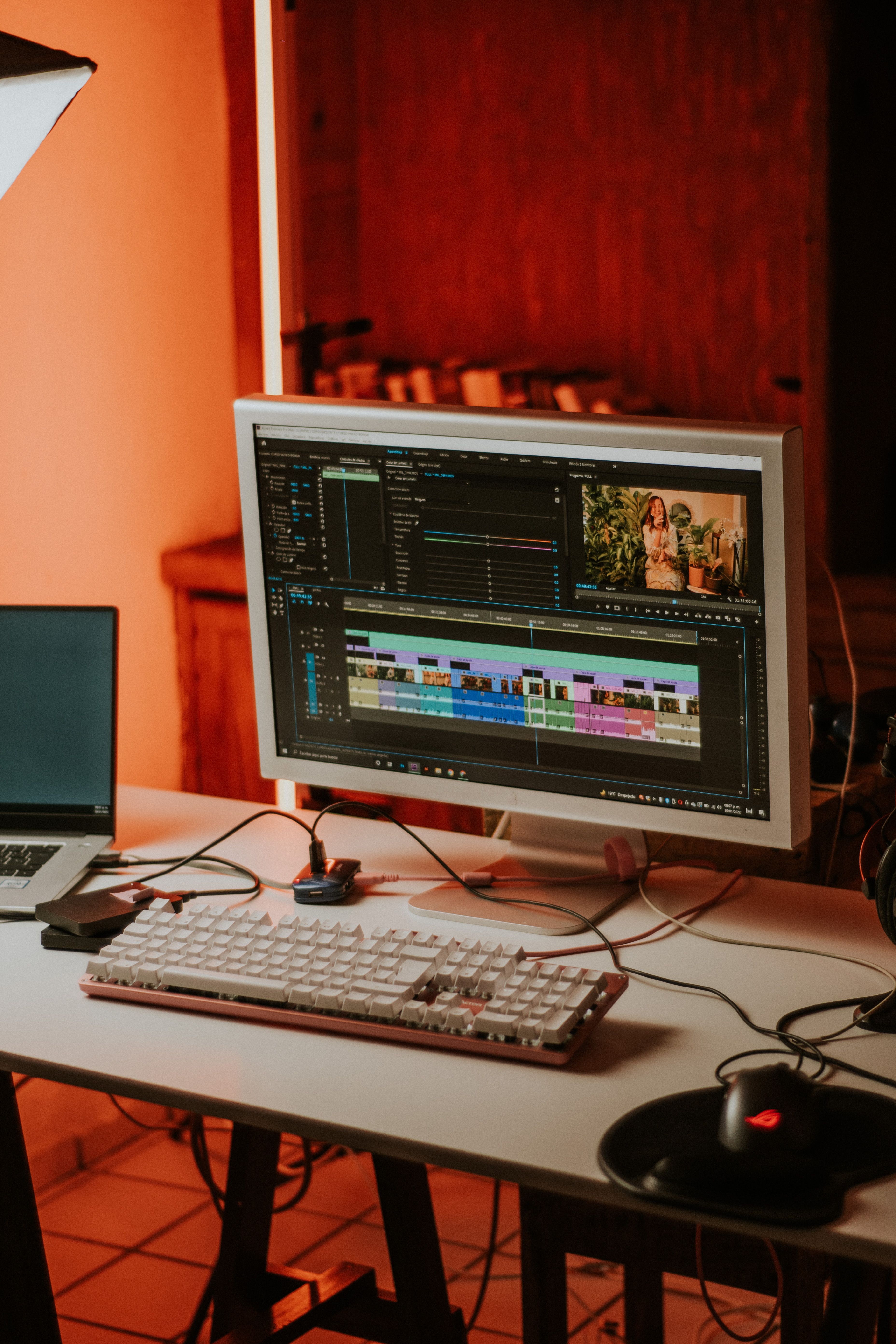
Add factual text in an editor rather than asking a generation model to produce it inside the scene. Read the title, date, address, and contact details from the exported file, not just from the editing timeline.
Use short captions and sufficient contrast. Test each video on a phone and watch it without sound. Make sure the essential message remains clear and that labels identifying generated concept footage are readable.
Ask someone who has not worked on the campaign to watch the three versions. After the announcement, they should know what the event is. After the preview, they should understand one reason to attend. After the reminder, they should know exactly how and when to take part.



Leave a Reply