
A service video shows a parcel gliding through a bright warehouse and arriving instantly at a doorway. The company actually sells software that helps staff plan deliveries. The film looks efficient, but it suggests a service the business does not provide.
A business explainer needs to distinguish what the company does from the atmosphere around it. Recorded evidence, a real screen demonstration, and an illustrative scene can all be useful. Choosing among them should follow the claim being made. Otherwise, the most cinematic option can quietly become the least accurate one.
Decide Which Claim the Viewer Needs to Believe
Write the central service claim in ordinary language. A planning tool might help a dispatcher compare routes. A courier might physically deliver a parcel. A consultant might advise on warehouse layout. Those offers are related, but they require different kinds of evidence.
For a hypothetical planning application, a real screen recording can show the route options a user sees. A recorded customer conversation may explain the problem the application addresses. A generated warehouse scene can establish a context, but it cannot demonstrate the actual controls or prove a delivery outcome.
Separate a process claim from a mood claim. “The interface presents alternative routes” is something a recording can show. “The day feels more manageable” is a broader impression that may suit an illustrative passage. Using the latter image as proof of the former leaves the viewer without a clear view of the product.
Also decide what the viewer should do next. Someone choosing whether to book a demonstration may need to see a genuine interaction. Someone encountering a short brand introduction may only need to understand the category. The same visual evidence does not have to serve both stages equally.
This decision can save production time. When the central claim requires a real screen, generating several increasingly polished warehouse clips will not solve the evidence problem. Record the relevant interaction first, then decide whether an additional scene would make the explanation easier to follow.
Match the Visual Format to the Kind of Evidence
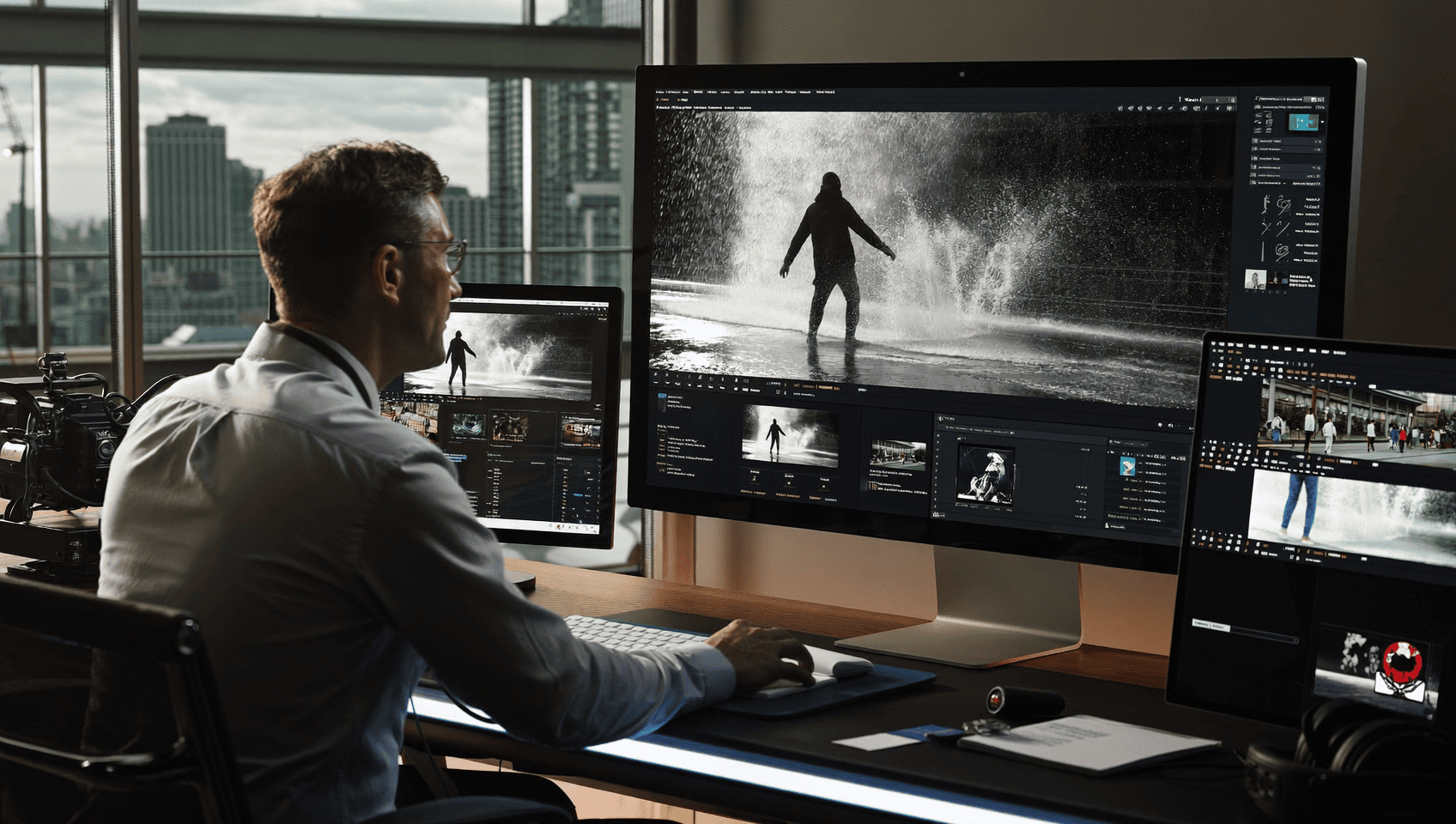
A screen recording is useful when the promise concerns something the software visibly does. It can show a user selecting an option and the actual response. Keep the recording focused enough that a prospective customer can follow the interaction without reading every part of the interface. Use a demonstration account with suitable sample information, and remove unrelated customer details before recording. The viewer needs the relevant action, not a tour of every record the business holds.
Live footage is useful when the physical service matters. A real team handling a parcel, installing equipment, or inspecting a site can show what the business actually undertakes. Even then, the edit should not imply that one staged example proves how the service always performs.
An illustration works when the subject is an idea, a context, or a hypothetical situation. MakeShot can generate short video from text descriptions, allowing a business to explore that supporting visual material. The resulting scene should have an explicit place in the explanation rather than stand in for missing proof.
An AI Video Generator might provide a quiet view of parcels arranged on a table while narration introduces a planning problem. That proposed scene establishes the topic without inventing a detailed warehouse process. The actual application can then appear in a separate, recorded demonstration.
A static diagram is another option. It may explain a relationship more clearly than a moving scene, especially when exact labels or quantities matter. Choose it when the audience needs to inspect the information at their own pace. Motion is useful only when it adds something the claim needs.
Generate the Supporting Shot After the Demonstration Is Clear
Build the factual part of the explainer first. Once the real interaction is visible, identify any abrupt transition or abstract point that needs an illustrative bridge. This gives the generated material a limited, useful job.
For the planning application, the bridge might move from a generic parcel to a map-like arrangement of simple shapes. It should not invent actual routes or suggest that the software physically transports goods. Keep the narration clear about the difference between planning and delivery.
MakeShot can supply a candidate shot for this bridge. Describe the relevant object and movement without adding claims about measured speed or operational results. A parcel sliding across a table is a visual action; an entire business operating without delays is a much larger promise.
When inspecting a result made with a video AI generator, list what happens in the picture before considering whether it looks professional. Does a route appear automatically? Does a vehicle arrive? Does a parcel change destination? Each visible action can imply a capability that the business may not have.
If the scene adds an unsupported capability, revise the action rather than relying on a disclaimer. A simpler transition may be enough. The bridge exists to help the viewer follow the explanation, so it should not create a new question about what the service actually does.

Watch the Picture Without Its Sales Narration
Mute the assembled video and ask what someone would believe the company provides. This reveals the claims carried by the images themselves. If the answer is physical delivery while the company sells planning software, the visual sequence needs revision even if the spoken explanation is accurate.
Return to the real demonstration and check whether the relevant interaction remains visible. A fast sequence can technically include genuine footage while giving viewers too little time to understand it. Keep the action that supports the service claim, and shorten decorative material before removing that evidence.
MakeShot’s illustrative clip should remain secondary to the part that shows the real product or service. The balance can vary with the format, but a useful explainer should make the distinction understandable. A prospective customer should know which images demonstrate the offer and which help describe its context.
Check the final call to action against what the video has established. If the film shows a planning interface, an invitation to see the workflow is coherent. A promise of guaranteed delivery performance would require evidence the animation cannot supply. Keep the next step proportionate to the actual demonstration.
Ask a person unfamiliar with the business to describe the offer after watching. Their wording can reveal an implied service the production team stopped noticing. Use that answer to locate the confusing shot rather than adding more narration around an unchanged image.
Keep the Proof Visible in the Final Edit
The most persuasive format is the one that supports the specific claim. A real interaction may be less cinematic than an imagined warehouse, yet far more useful to someone deciding whether the software solves their problem.
Mute the finished video one last time and list what each shot appears to prove. Every item on that list should trace back to the screen recording or real footage, with the MakeShot scene limited to setting the context. If a generated shot appears on the list as proof, cut it.
Leave a Reply