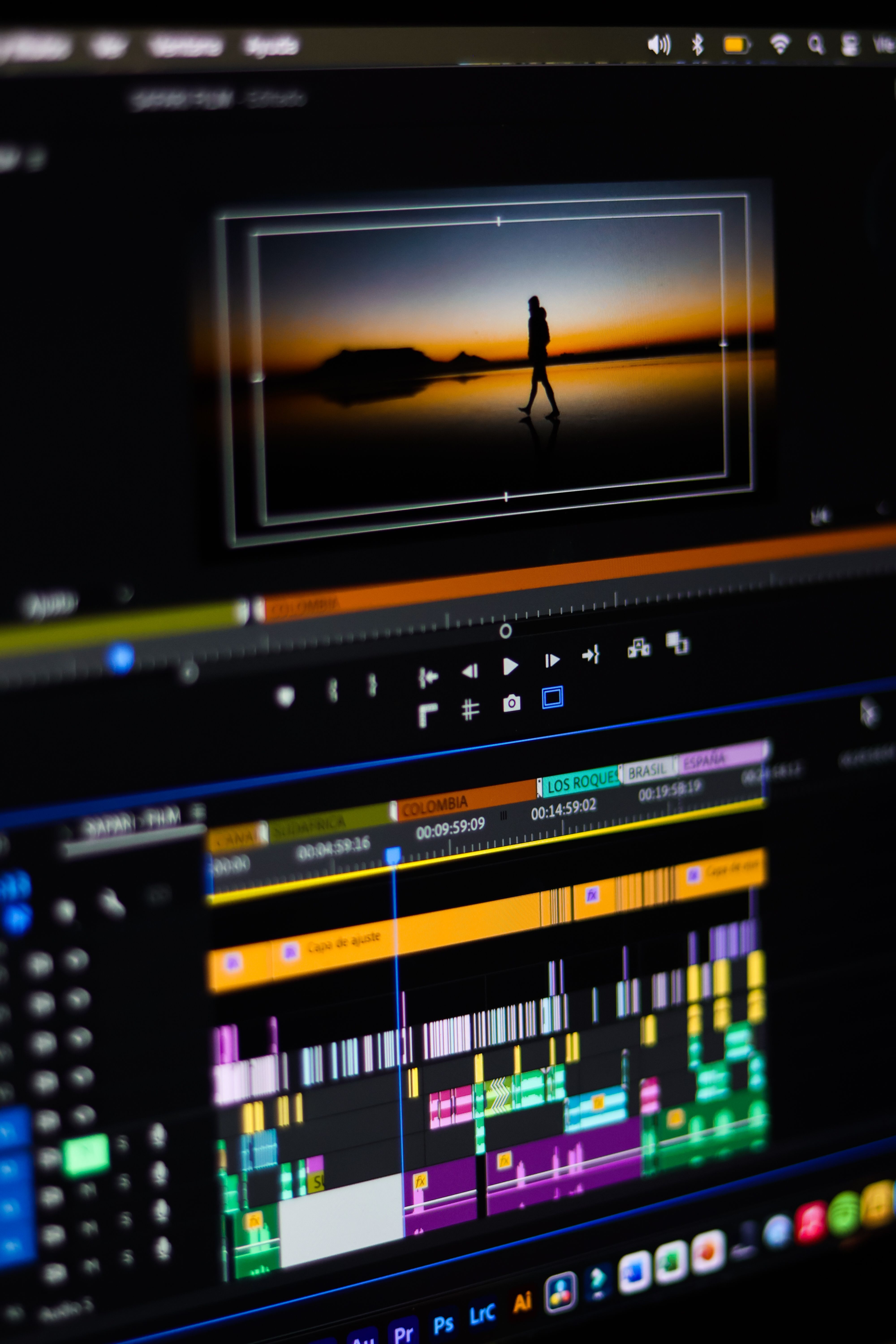
Here’s a challenge: for one week, make one short video a day from the strangest idea in your head. No planning, no gear, no editing skills required.
Sounds like a lot? It isn’t. With a free seedance video generator, each clip starts with a single sentence. You type, you wait a moment, and you watch your idea come to life.
Here’s how a week like that might go, what you’ll probably learn along the way, and why it’s a surprisingly good way to get creative again.
Why a One-Week Challenge Works
Big goals scare people off. “Learn video production” sounds like months of work. “Make one silly clip today” sounds like a Tuesday afternoon.
Small daily tries take the pressure off. You’re not building a portfolio. You’re just playing, and play is where good ideas show up. By day three, you’ll notice your prompts getting sharper without trying.
You Don’t Have to Be Good at It
Nobody is grading you. Some clips will look great, some will look like a fever dream. Both are useful. The weird ones often teach you the most about how the tool reads your words.
Day 1 to 2: Start With Things You Can See
On day one, don’t be clever. Describe something you can picture clearly: a cup of coffee steaming on a rainy windowsill, or a cat stretching in a sunny corner.
Simple scenes help you learn the basics. You’ll see how the tool handles light, texture, and gentle movement. It’s a warm-up, like stretching before a run.
On day two, change one detail. Make it night instead of morning. Swap the rain for snow. Notice how a small change in your words shifts the whole mood.
Day 3 to 4: Try Something Impossible
Now the fun part. Describe a shot that couldn’t exist in real life.
A whale swimming slowly through the clouds above a small town. A tiny village built inside a teapot. Your childhood bedroom, but the walls are made of ocean.
This is where AI video earns its place. These scenes would cost a fortune to film, if they could be filmed at all. Here, they cost you one sentence.
If you want to see what the latest generation can do with ideas like these, take a look at Seedance 2.5. It’s designed to turn plain descriptions into short clips with natural motion and a scene that holds together. Try it with your most ridiculous prompt and see what comes back.
Add a Camera Move
Once you’re comfortable, tell the model how the camera behaves. “Slowly pulling back to reveal the whole town” feels very different from “close-up, slightly shaky, like a handheld camera.” You don’t need technical terms. Just describe what you’d want your eye to do.
Day 5: Make Something for Someone Else
By midweek, try making a clip for another person. A birthday greeting for a friend. A fake movie trailer starring your dog. A short, moody scene to go with a poem you wrote.
This changes how you think. Instead of asking “what do I want to see?” you ask “what would make them smile?” That shift makes your prompts warmer and more specific, and the results usually show it.
Send it to them. Watch their reaction. That’s the best part.
Day 6: Fix What Went Wrong
By now you’ve probably hit a few annoyances. Maybe hands looked strange. Maybe the background shifted. Maybe text on a sign came out as gibberish.
Don’t get frustrated. Use today to troubleshoot:
- Simplify the action. One person doing one thing works better than a crowd doing five.
- Cut extra details. Long, crowded prompts confuse the model.
- Generate again. Sometimes the same prompt gives a much better result the second time.
- Avoid readable text. If a sign matters, plan to add words later in an editor.
Knowing the limits is a skill. It’s what separates people who give up from people who keep making things.
Day 7: Put It Together
On the last day, pick your favorite three clips and look at them side by side. Which one surprised you? Which one made you laugh? Which one do you wish were longer?
You might see a pattern. Maybe you love foggy mornings, or tiny worlds, or strange animals. That pattern is your style, and you didn’t have to hunt for it. It showed up on its own.
If you want to go further, string your clips together with a free video editor, add music, and share the result. A week of experiments can easily become a short film.
What to Expect From a Free Tool
Let’s be honest about the trade-offs. Free tools often come with limits, such as a daily cap, shorter clips, a watermark, or a short wait in line. That’s fair. You’re getting a way to try ideas without paying, and for a challenge like this, it’s plenty.
Check the site for current features and limits, since these can change. And if you plan to post your clips publicly or use them for work, read the usage terms first. It takes a couple of minutes and avoids surprises.
Your Turn
You don’t need a better idea, a better camera, or more time. You need one sentence and a few minutes.
So here’s your first prompt. Look out the nearest window, pick one thing you see, and imagine it doing something it never would. Type that. Hit generate.
Then come back tomorrow and do it again. By the end of the week, you’ll have a small pile of strange, funny, surprisingly good videos, and a habit of making things that you didn’t have before.



Leave a Reply