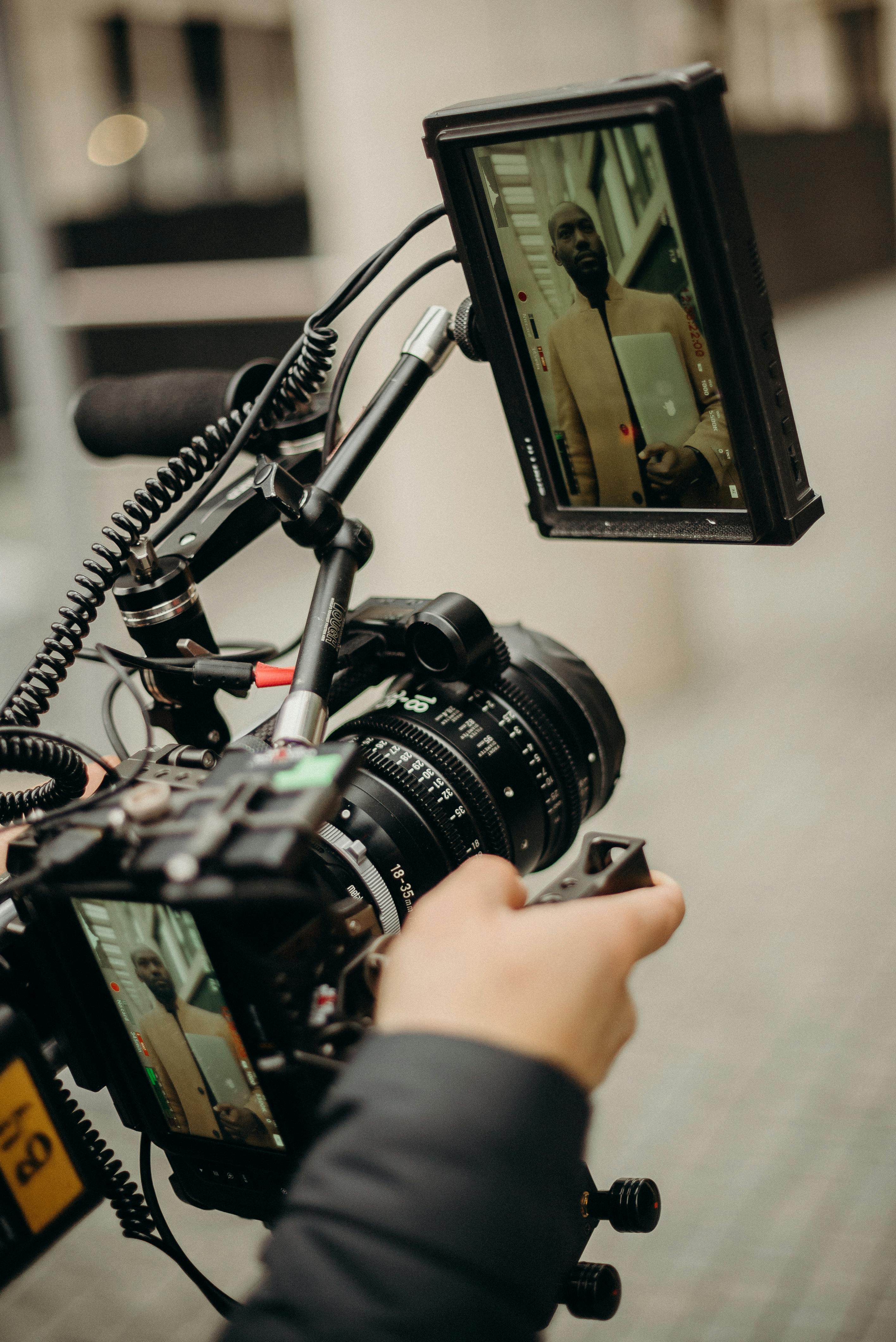
Creating compelling video content isn’t about flashy effects or expensive studios—it’s about clarity, consistency, and smart choices. Viewers may forgive simple visuals, but they won’t stick around for shaky footage, muffled audio, or distracting setups. Whether you’re launching a YouTube channel, live streaming, or recording tutorials, a solid foundation makes all the difference.
You don’t need professional training to get started. With the right tools and a little planning, anyone can produce videos that look polished and feel intentional. This guide walks through the core elements that help content creators deliver clean, engaging videos without unnecessary complexity.
Pick a Camera That Matches Your Content Goals
The best camera is the one that fits your workflow and your budget. Many creators start with smartphones, and for good reason—modern phones deliver excellent video quality with minimal setup. If you want more control, mirrorless and DSLR cameras offer sharper images, better depth of field, and stronger low-light performance.
Key features to look for include reliable autofocus, video stabilization, and consistent color output. For desk-based content like podcasts or tutorials, external webcams are another solid option. They’re easy to use and integrate seamlessly with streaming and recording software. Whatever you choose, mastering one camera matters more than owning the most expensive model.
Lighting Is What Makes Video Look Professional
Lighting can dramatically change how your content feels. Even a high-end camera struggles in poor lighting conditions. Good lighting reduces shadows, improves skin tones, and keeps your video easy on the eyes.
Start by understanding basic light placement before buying gear. Many creators research lighting setups for live streaming or home studios to find what fits their space. LED panels, softboxes, and ring lights are popular because they’re affordable and adjustable. Position lights to face you evenly, and avoid harsh overhead lighting whenever possible. A simple setup, done well, instantly raises production quality.
Clean Audio Keeps Viewers Engaged
Audio quality often determines whether viewers stay or leave. Built-in microphones tend to capture room echo and background noise, which can be distracting. A dedicated microphone improves clarity and helps your message come through cleanly.
USB microphones are ideal for beginners—they’re plug-and-play and sound significantly better than onboard audio. Lavalier microphones work well for movement or interviews, while shotgun microphones focus sound from a specific direction. Adding a pop filter or foam windscreen reduces harsh sounds and creates a smoother listening experience.
Stabilize Your Shots With Proper Support
Nothing breaks immersion faster than shaky footage. A sturdy tripod or mount keeps your camera steady and your framing consistent. There are options for every setup, from compact phone stands to full-size adjustable tripods.
Look for stability, adjustable height, and smooth tilt or pan controls. If you’re filming while walking or recording action content, a gimbal helps maintain smooth movement. Reliable support gear lets you focus on performance instead of constantly adjusting your camera.
Design a Background That Enhances, Not Distracts
Your background plays a big role in how your content is perceived. A cluttered or chaotic space pulls attention away from your message. Aim for something simple, clean, and visually balanced.
Plain walls, bookshelves, or minimal décor work well for most creators. For more flexibility, backdrops or green screens allow you to maintain a consistent look across videos. Whatever you choose, make sure it aligns with your tone and doesn’t compete with you for attention.
Add Subtle Details to Show Personality
Once the basics are in place, small design elements can help your content stand out. This doesn’t mean overdecorating—it means being intentional. A plant, soft accent lighting, or a neatly arranged shelf can add warmth and personality.
Using consistent colors or props tied to your brand helps viewers recognize your content quickly. Keep the focus on you, not the set. The goal is to create an inviting environment that feels authentic and comfortable.
Use Editing Tools That Keep Things Simple
Editing is where your content gets refined. You don’t need advanced software to produce clean, professional videos. Many beginner-friendly editing programs offer intuitive interfaces with drag-and-drop features.
Focus on the essentials: trimming mistakes, balancing audio, cutting awkward pauses, and keeping the pacing smooth. Simple edits respect your audience’s time and improve watchability without overwhelming your workflow.
Choose the Right Resolution and Frame Rate
Video clarity matters, but more isn’t always better. For most creators, 1080p offers a strong balance between quality and file size. If your system can handle it, 4K provides extra detail—but it also requires more storage and processing power.
Frame rate affects how motion appears on screen. Thirty frames per second works well for most talking-head content, while 60fps creates smoother movement for action or screen recordings. Stick to one format per project to keep visuals consistent.
Monitor Your Recording as You Go
Monitoring audio and video while recording helps catch problems early. Wearing headphones lets you hear issues like distortion or background noise in real time. Watching your video feed on a secondary screen can help with framing and lighting.
Even basic monitoring tools save time during editing and reduce the risk of unusable footage. It’s a simple habit that improves overall quality.
Improve Gradually and Stay Consistent
Great content comes from repetition, not perfection. Early videos won’t be flawless—and that’s part of the process. Make small adjustments over time, test different setups, and learn from viewer feedback.
Consistency matters more than having the perfect setup. As you improve lighting, audio, and presentation, your confidence and audience will grow along with your skills.
Creating strong video content doesn’t require expensive gear or technical expertise. Start with steady visuals, clear sound, and a clean environment. Build from there at your own pace. With practice and thoughtful upgrades, your setup can look professional without the pressure. Keep creating, stay consistent, and let progress do the rest.




Leave a Reply